Masto Control uses AI in exactly three places, and all three are about typing: your stock list, your recipes and your receipts. Here is what it does, what it never does, and where your data goes.

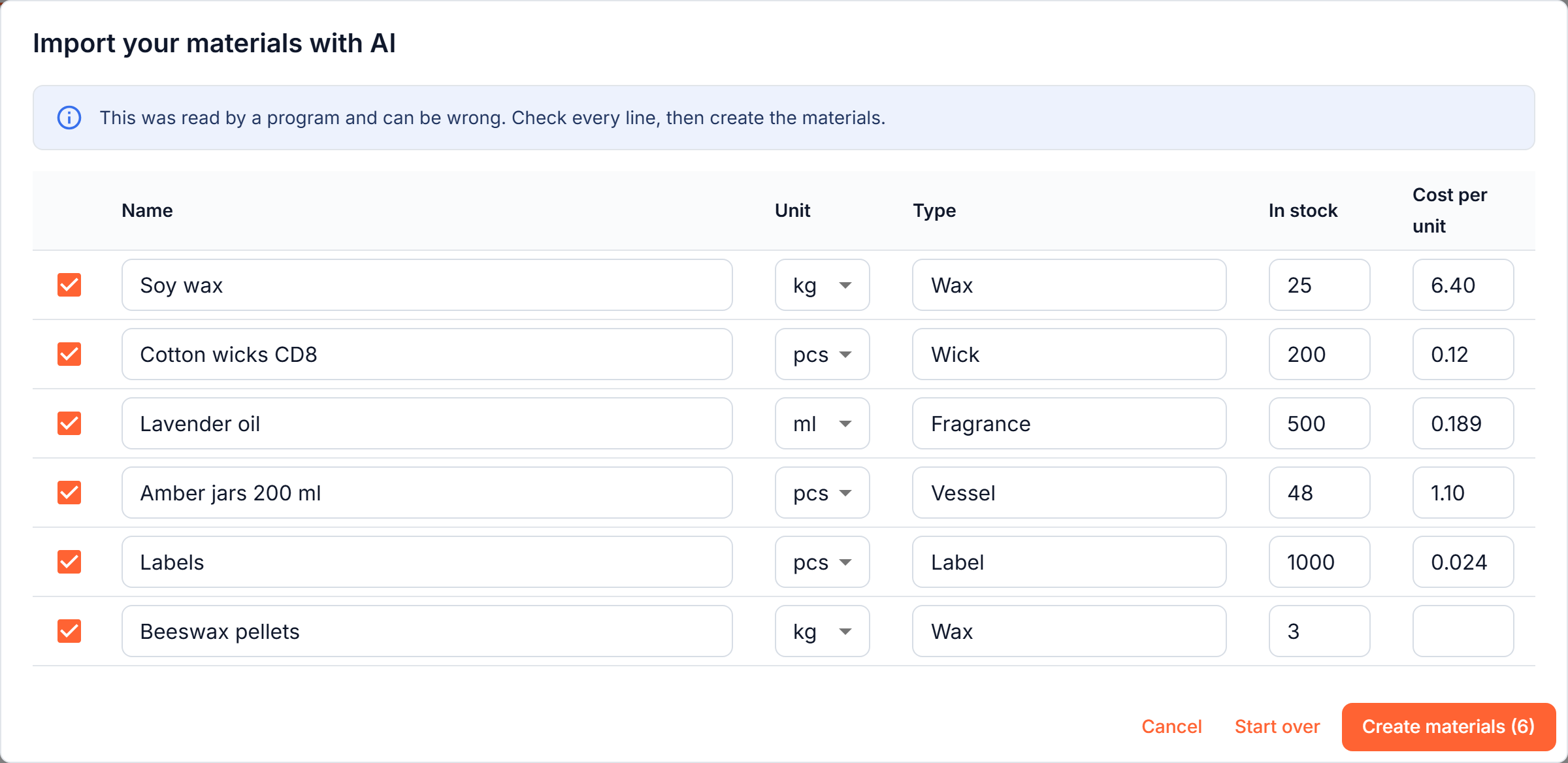
A spreadsheet laid out your own way, pasted notes, or a photo or PDF of a page. It proposes your materials with units, types, how much you have and what one piece costs. "500 g" for a material kept in kilograms becomes 0.5, and a pack price becomes the price of one piece.
How it works →
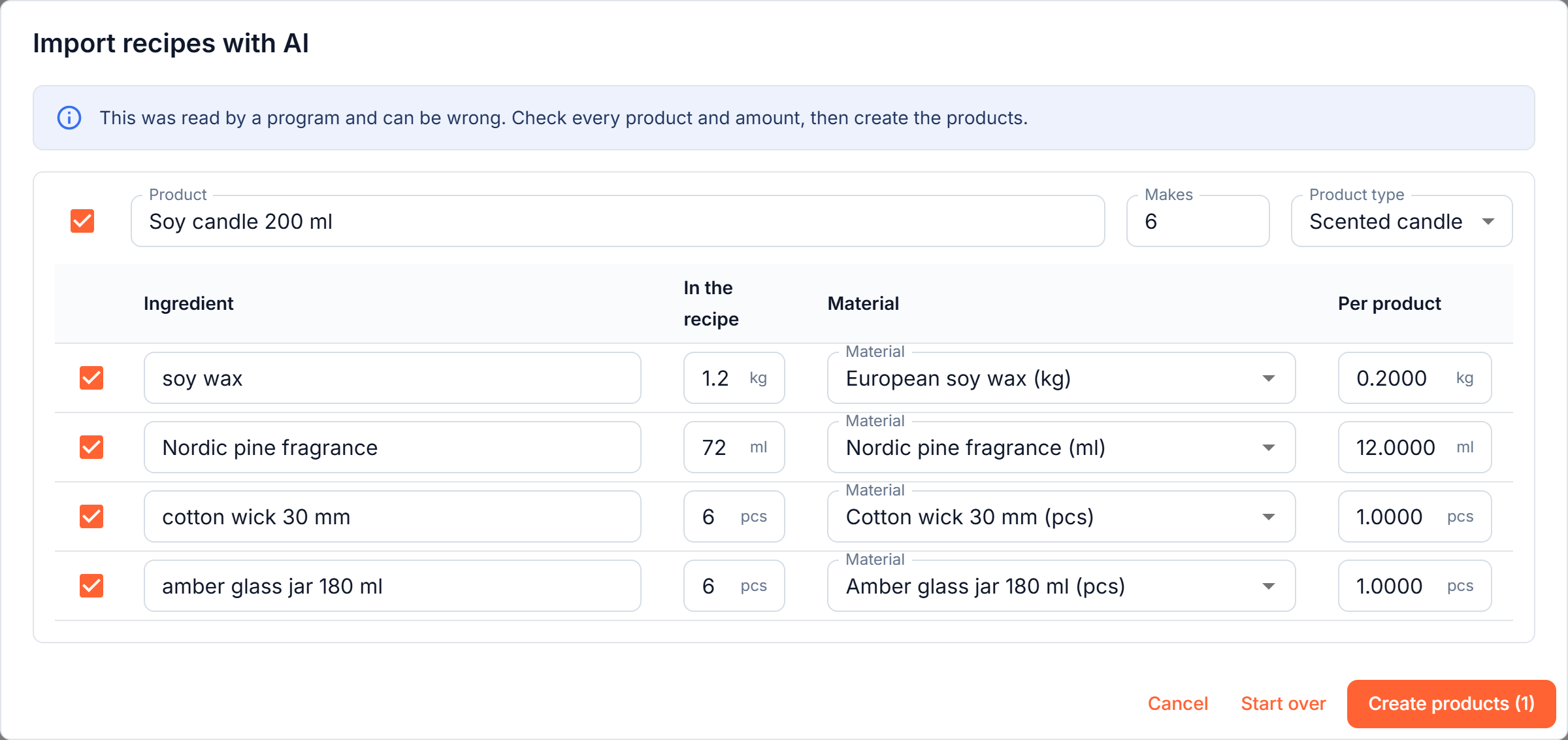
A recipe from a notebook, a message or a sheet becomes a product card. A batch of six is turned into amounts per piece, materials you already have are matched by meaning, and the ones you are missing are created with the card.
How it works →
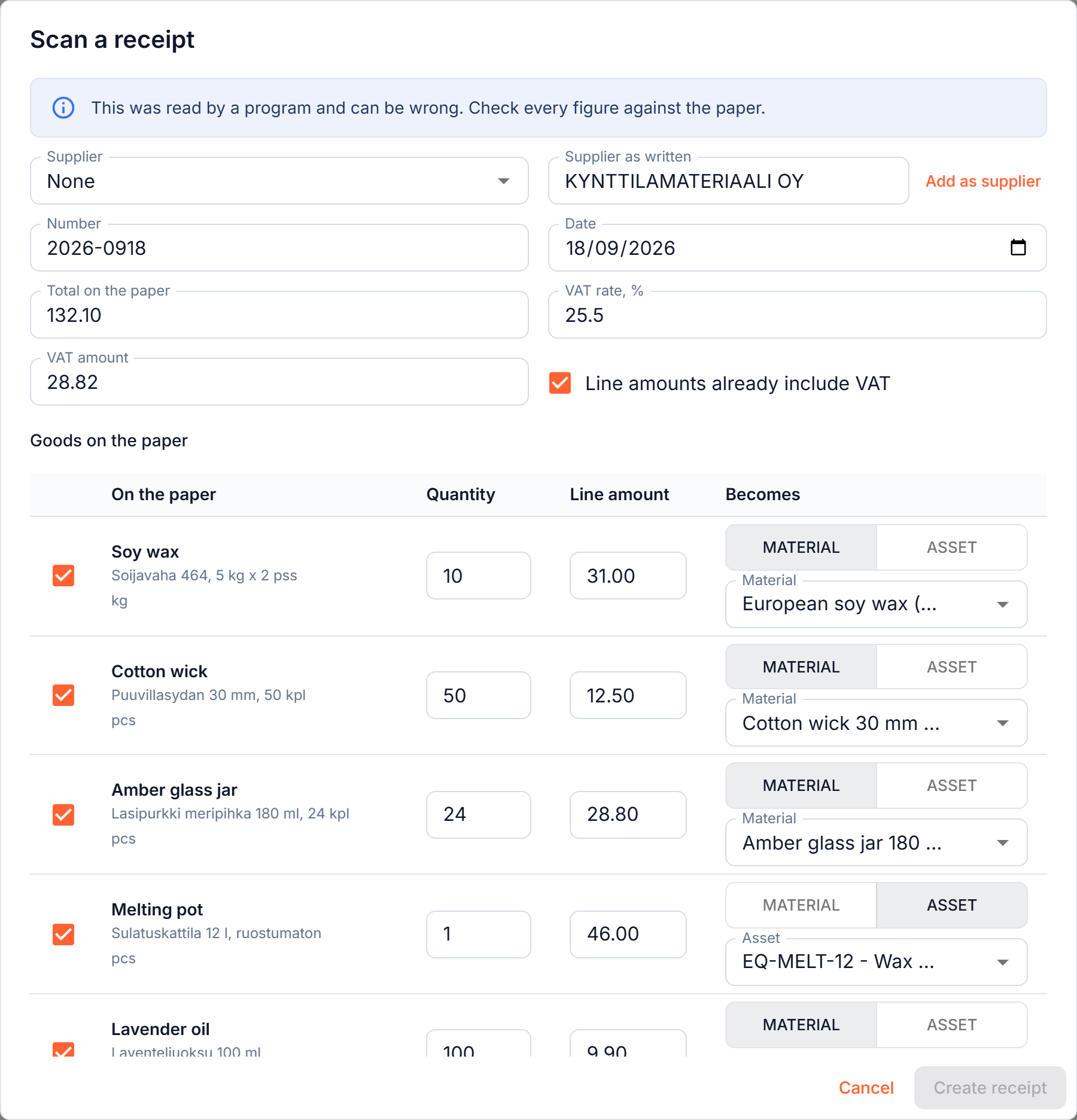
A photo or PDF of a supplier receipt becomes a draft receipt: supplier, number, date, VAT, the goods and the delivery charge. Each line is matched to a material or tool you already have, even when the paper is in another language, and the names are given in yours.
How it works →These are the only places Masto Control uses AI. Nothing runs in the background: it reads a file only when you press the button.
Every read ends in a draft on your screen. Each line can be edited or unticked, and nothing is created until you press the button.
An import only adds. A line that looks like a material you already have is marked and left unticked, and an existing material or product is never overwritten.
The AI reads the figures; the program does the arithmetic. Packs, batches and units within a family (grams and kilograms, millilitres and litres, millimetres and metres) are converted by code. Grams to millilitres needs a density, so that line is flagged and you type the amount.
Unit costs, margins, depreciation and every report are calculated by the program from the figures you confirmed. No AI is involved in them.
A program reads the paper and a program can misread it. Handwriting and crumpled thermal paper read worst, and you should expect to correct more there. That is why every figure is shown next to the original, why a line it cannot match is left empty rather than guessed, and why a receipt shows the difference between the paper's total and what its lines add up to. You are always the one who confirms.
Only the file or text you provide, and the names of your existing materials, tools, suppliers and product types, so that a line can be matched to something you already have. Nothing else from your workspace is sent: not your sales, customers, prices or reports.
Anthropic, PBC, our AI provider. Under its commercial terms Anthropic does not train its models on content sent through its API. It may process the data outside the EEA, including in the United States. Details are in our privacy policy and our data processing agreement.
Each read is recorded in your workspace's audit log, so you can see that it happened. A receipt photo you scan is attached to the receipt you create from it, so the paper stays with the record.
AI runs only when you press the button. If you would rather not use it, you never have to: every material, product and receipt can be entered by hand.
There is no extra charge for AI reading and no credits to buy.
A spreadsheet is read up to its first 300 rows, and you are told if your list is longer. The daily counts start again at midnight UTC. When a limit is reached you can still add everything by hand.
No. Only the file or text you give it and the names of your existing materials, tools, suppliers and product types are sent.
Anthropic's commercial terms say it does not train its models on content sent through its API.
No. It reads a file only when you press Import or Scan, and it saves nothing until you have checked the draft.
Yes. Columns in a list can be in any language, and a receipt in Finnish or German is read and its lines are named in your interface language, with the printed text kept underneath.
Nothing extra. It is included in every plan, within the daily limits above.
Paste a few lines of what you have in stock and watch it become materials. You check them before anything is created.
Create account →